Facebook shows a cover at 820 x 312 on desktop and 640 x 360 on phones. On a 1640 x 624 image the phone view loses 265 px each side, which is why option A had to shrink. Uploading a taller 1640 x 856 image instead means desktop trims the top and bottom 116 px and phones trim only 59 px each side, so the zone both devices show is 1522 x 624 and the cards can be about 40% larger. Options C and D use that. Use the toggles above to check each one; the profile picture position is approximate and varies with the page layout.
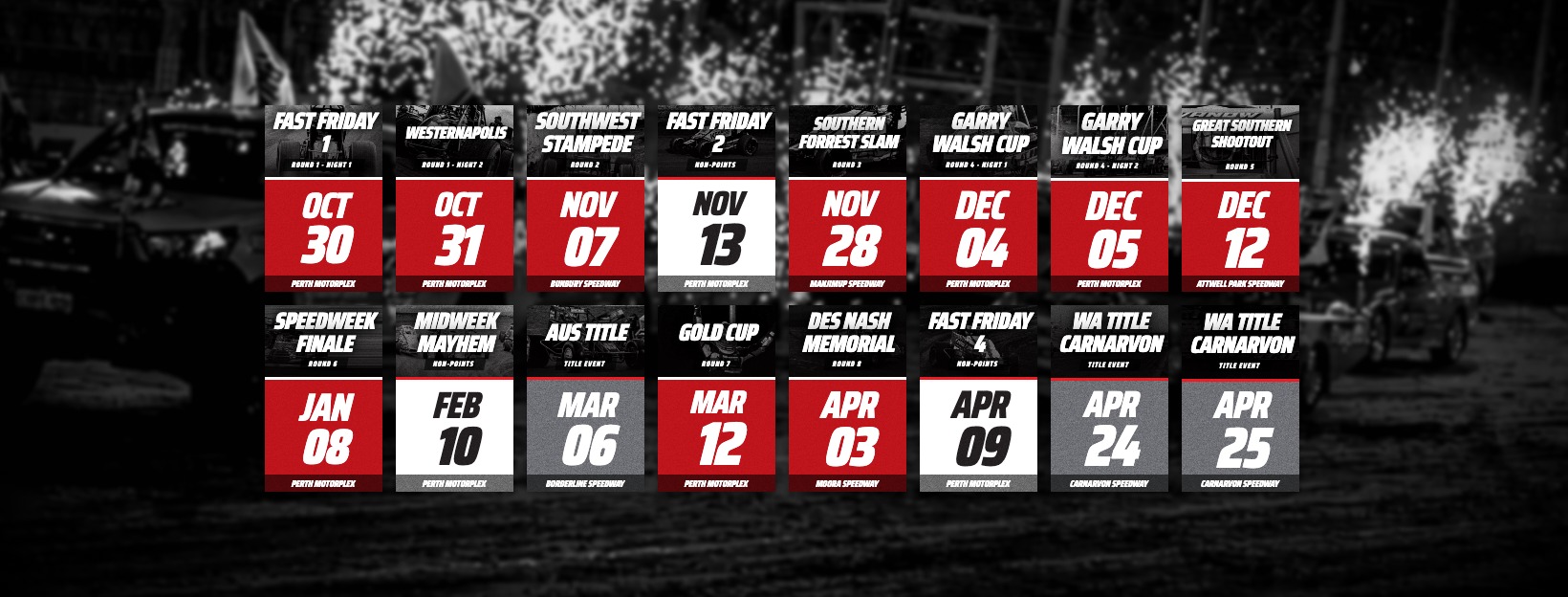
Profile picture (approx.)
Phones cut here
Desktop cuts here

Profile picture (approx.)
Phones cut here
Desktop cuts here
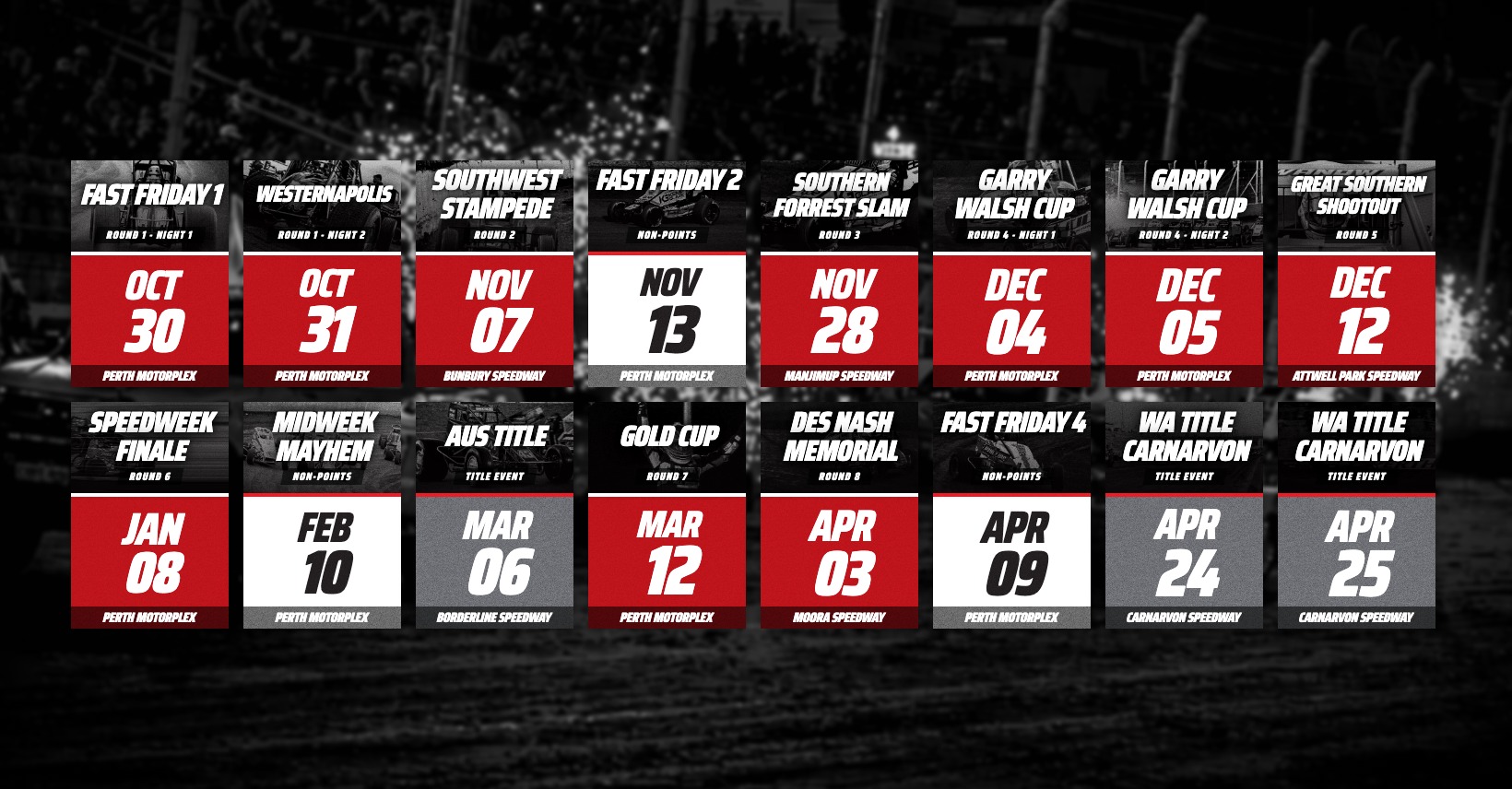
Profile picture (approx.)
Phones cut here
Desktop cuts here
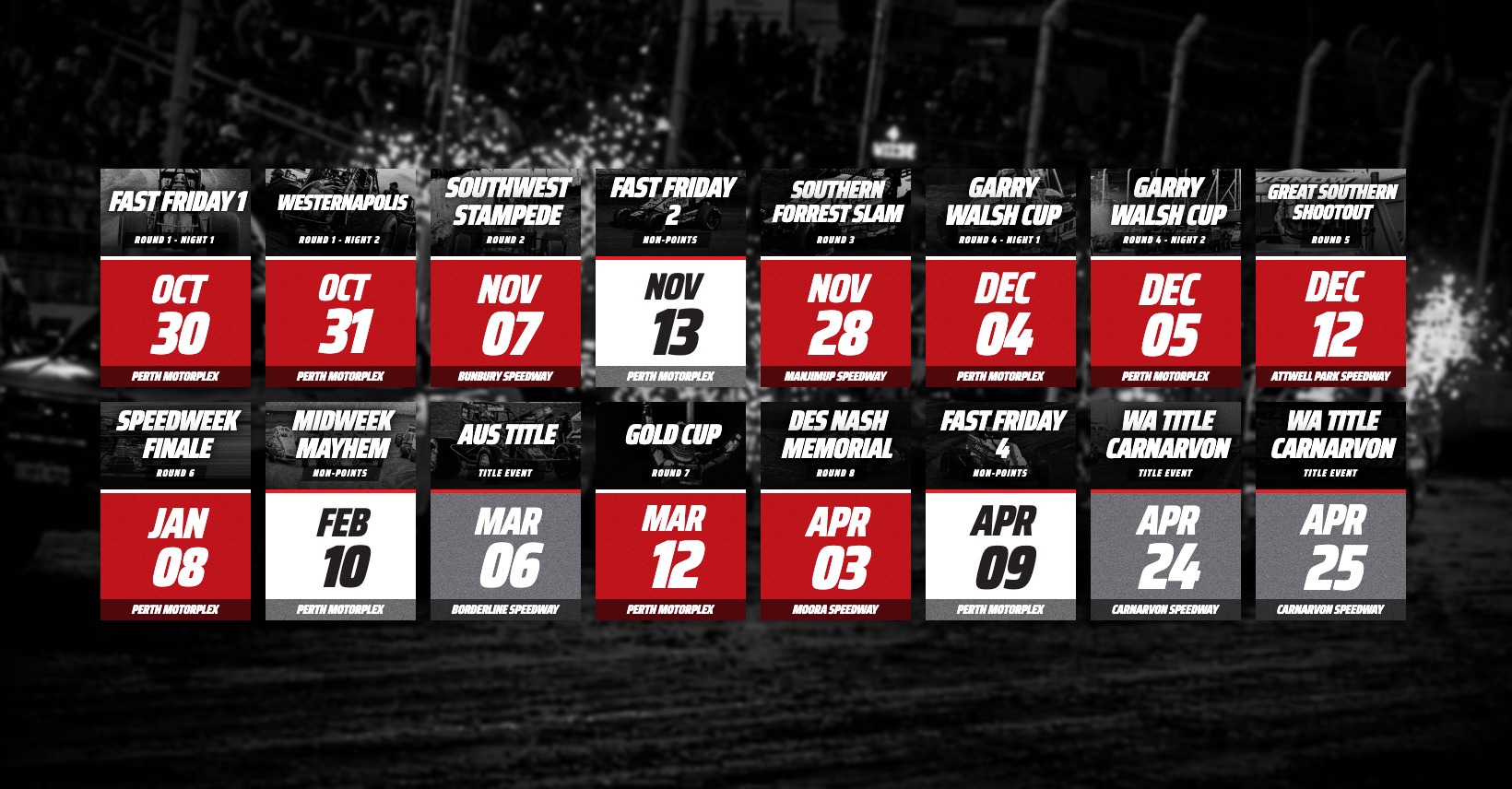
Profile picture (approx.)
Phones cut here
Desktop cuts here